Access control
Paxton10 access control and video management
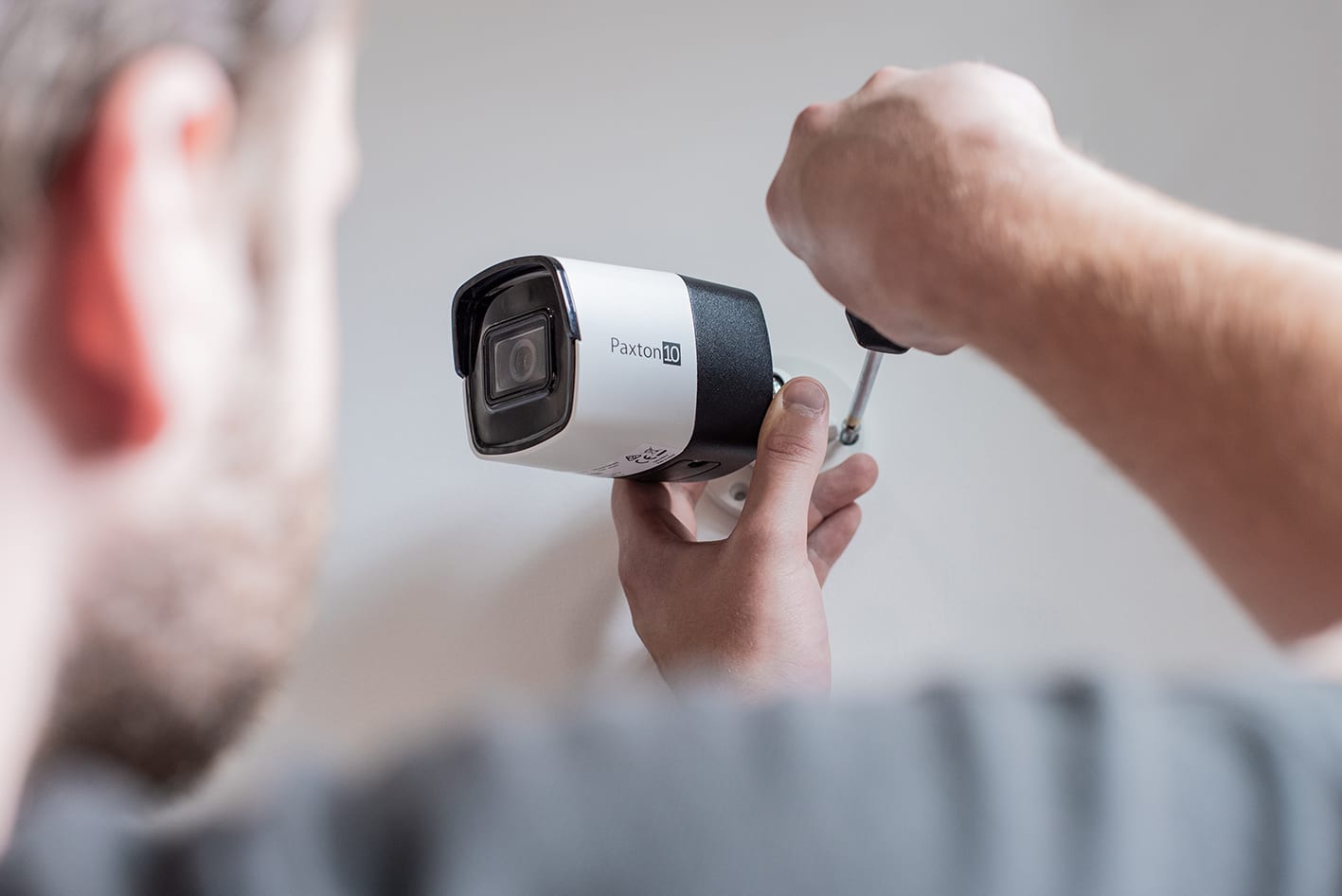
Paxton10 access control and video management brings doors and CCTV together in one system. You manage doors, cameras and users from a single browser screen or app, and click straight from an access event through to the camera footage. RRB Security advises on and installs Paxton10 for offices, schools, clubs and commercial buildings.
Security specialist since 1995
31years of experience
- Access + videoIn one system
- No licencesPer door or camera
- Web-basedBrowser and app
- Since 1995Security specialist
Trusted across the Benelux
These organisations trust our solutions



























What is Paxton10?
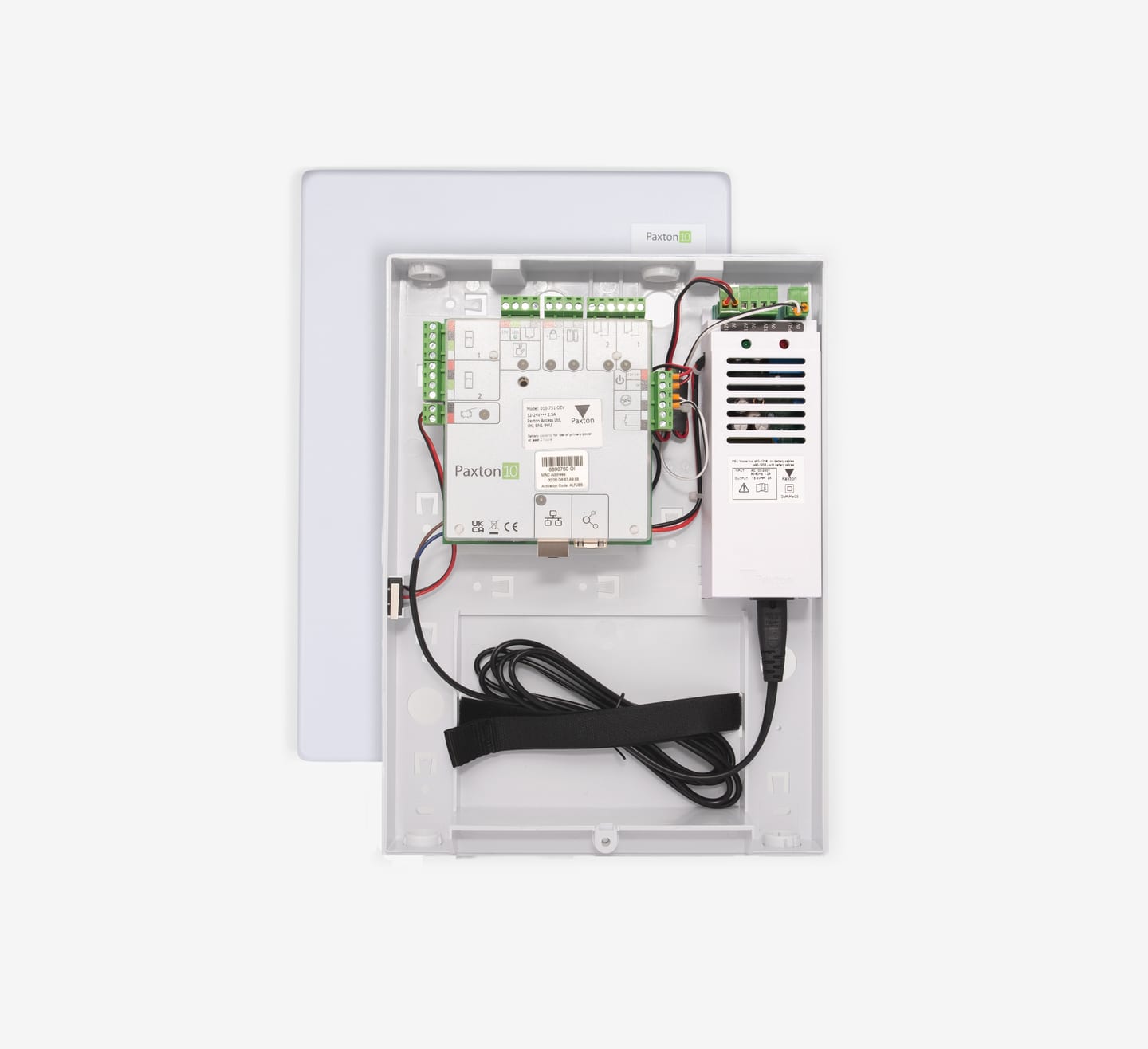
Paxton10 is Paxton's access control and video management system. No software installation is needed: a software controller on your network is the heart of the system and connects plug and play with the Paxton10 door controllers, readers and cameras. You operate everything through a web-based interface or the free app.
With Paxton10 you pay no door or camera licences, so there are no recurring software costs. You manage multiple sites together through a secure SSL connection to the Paxton10 cloud.
Paxton10 in figures
Source: paxton-access.com, Paxton10, accessed 1 November 2026. Manufacturer's figures.
Why Paxton10?
What you can do with Paxton10
- Paxton10 cameras, plug and play
- Search footage by events and bookmarks
- Integration with intruder and fire alarms (Alarm Connector)
- Wireless PaxLock Pro2 door handles
- Entry video intercom
- High Secure cards and fobs that resist copying
Paxton10 features
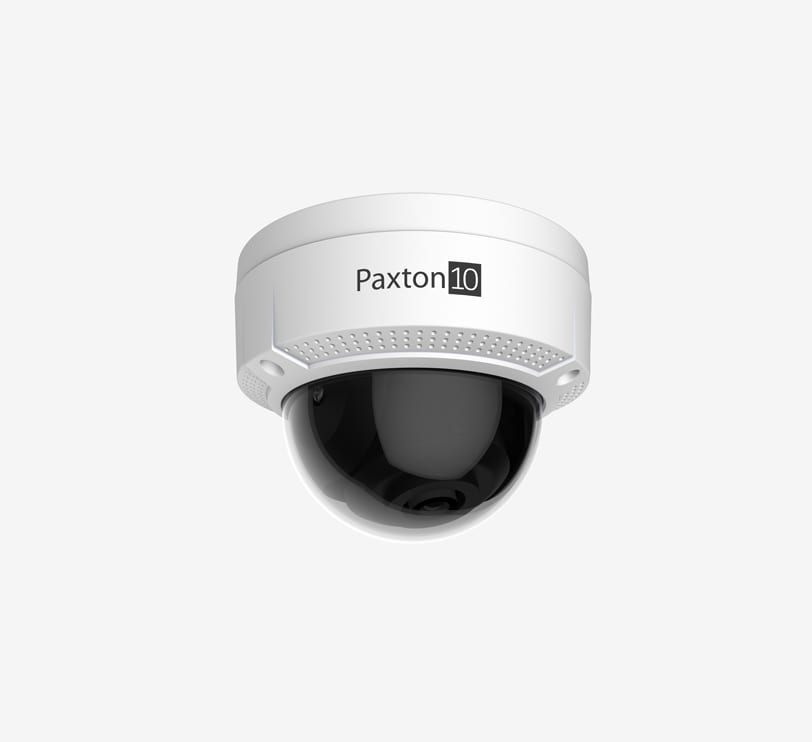
Paxton10 cameras
Bullet, dome and turret cameras that join the system plug and play, with recording on the camera itself (edge recording).
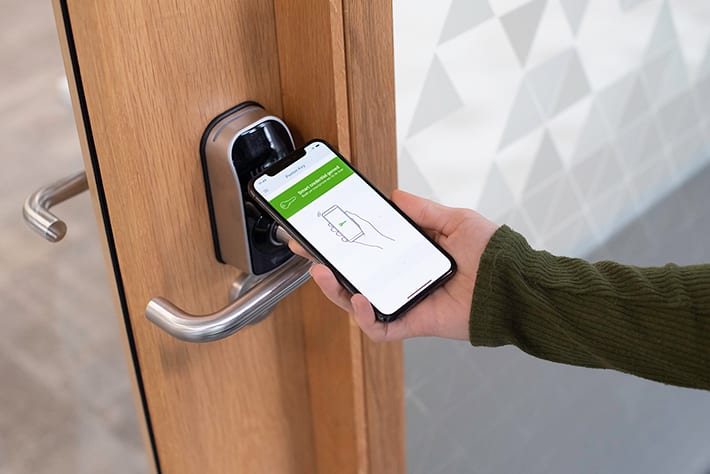
Paxton Key app
Users open doors with their smartphone or Apple Watch instead of a card or fob.
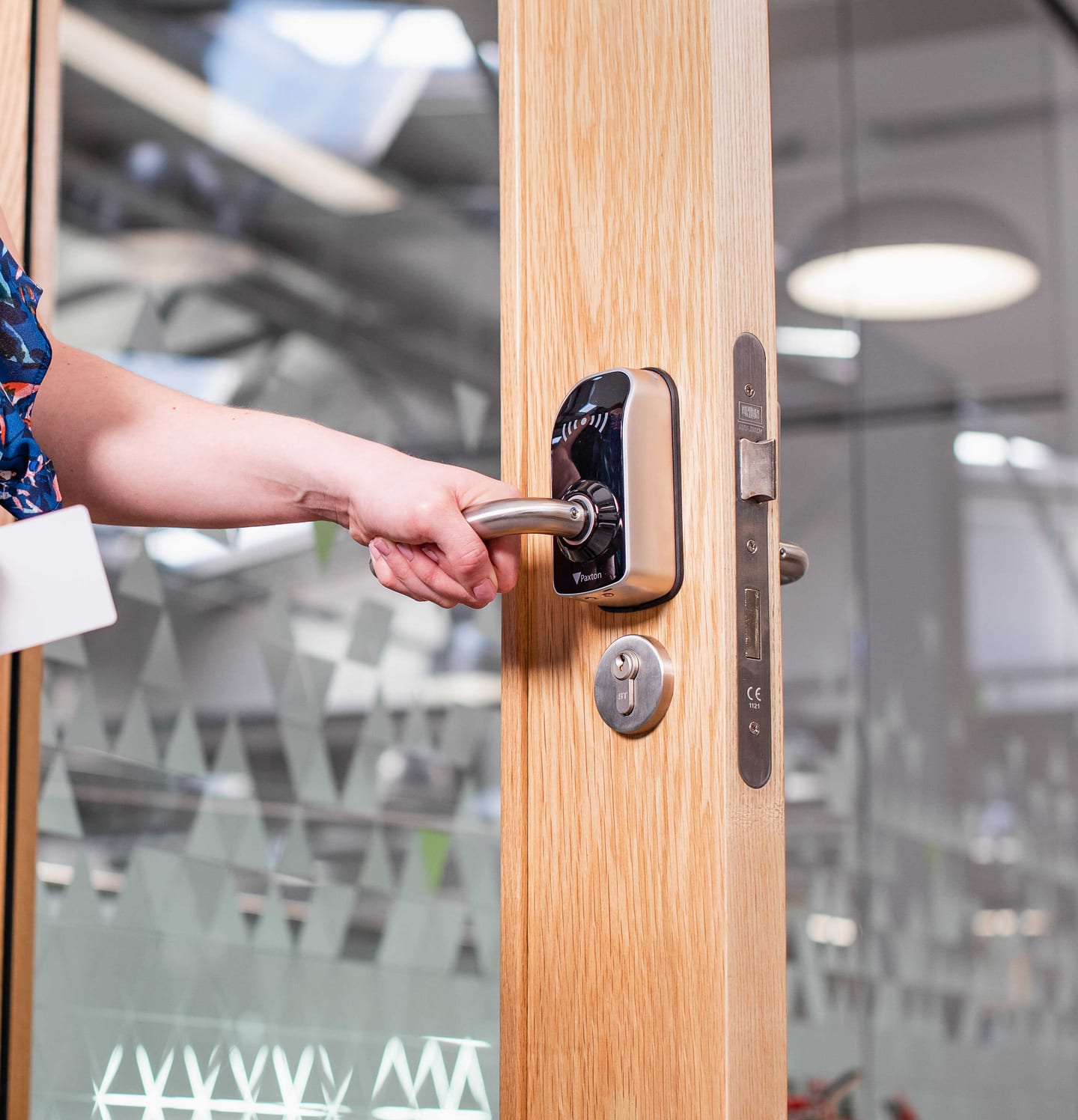
Wireless door handles
The PaxLock Pro2 is a reader and door controller in one battery-powered door handle. Ideal for internal doors without cabling.
Paxton10 on video
Videos from Paxton, the manufacturer of Paxton10.
Paxton10: access control and video management
PaxLock Pro2: the wireless door handle
Advice
Paxton10 guide
According to the manufacturer Paxton (paxton-access.com, accessed 1 November 2026).
How does the software controller work?
The software controller is a small box on your network that runs Paxton10. You do not need to install anything on a PC; you log in through the browser or the app.
Paxton10 across multiple sites
According to Paxton, you can manage up to 100 sites, 1,000 doors, 1,000 cameras and 50,000 users in one environment, without a VPN, through a secure SSL connection to the Paxton10 cloud.
Integration with alarms and building functions
The Paxton10 Alarm Connector links the system to intruder or fire alarms; with I/O connectors you can control, for example, a lift floor or emergency signalling.
Existing Net2 or a new system?
If you already have Net2, extending it is often the most cost-effective option. If you want access and cameras in one system, Paxton10 is the logical choice. We assess your situation on site.
Net2 or Paxton10: which suits you?
| Paxton Net2 | Paxton10 | |
|---|---|---|
| What it is | Access control, PC-based | Access control + video management in one system |
| Software | Net2 software on a Windows PC/server, central database | Web-based via a software controller, no installation |
| Licence | Net2 Lite free, Net2 Pro one-off licence key; upgrades free of charge | No door or camera licences |
| Video | Through integration with camera software (e.g. Milestone XProtect) | Built in, with Paxton10 cameras (up to 1,000) |
| Doors / users | More than 1,000 doors / more than 50,000 users | Up to 1,000 doors / up to 50,000 users |
| Remote management | Net2Online and Paxton Connect app (Net2 Pro) | Browser and Paxton Connect app; multi-site via the Paxton10 cloud (up to 100 sites) |
| Smartphone as a key | Not with Net2 (Paxton's system overview lists mobile access under Paxton10) | Paxton Key app (smartphone, Apple Watch) |
| Wireless door handle / intercom | PaxLock Pro2 / Entry | PaxLock Pro2 / Entry |
Source: paxton-access.com (Paxton10, Net2, Net2 software, system overview), accessed 1 November 2026.
Read more about Net2 on our Paxton Net2 page.
More about access control
Read more about access control and the other Paxton solutions we install.
Why choose RRB Security?
RRB Security is a Paxton Integrator. We advise on the Paxton10 set-up that suits your building, install the software controller, door controllers, readers and cameras, and remain available afterwards for management, maintenance and extensions.
- Security specialist since 1995
- Free advice on site
- Installation, management and service desk
- Showroom in Barendrecht
31years of experience
Frequently asked questions
Frequently asked questions about Paxton10
Can't find your question? Our specialists are happy to help with advice that fits your situation.
What does Paxton10 cost in licences?
Paxton charges no door or camera licences for Paxton10, so there are no recurring software costs. You pay for the hardware and the installation.
Do I need a server for Paxton10?
No. Paxton10 runs on a software controller on your network, and you operate it through the browser or the app.
How many doors and cameras can Paxton10 handle?
According to Paxton, up to 1,000 doors, 1,000 cameras and 50,000 users, spread over a maximum of 100 sites.
Can I open doors with my phone?
Yes. With the Paxton Key app you use your smartphone or Apple Watch as a key.
What is the difference between Paxton10 and Net2?
Paxton10 combines access and video in one web-based system. Net2 is PC-based access control that integrates with other systems, such as camera software. See the comparison above or read more on our Net2 page.
Where can I find more frequently asked questions?
View more frequently asked questions about how we work, quotes and costs.
Personal advice
Contact form
Tell us briefly what your request is about. We will contact you personally.
- No-obligation advice and quote
- Quick response from a specialist
- Specialised in security technology
No-obligation quote
Personal advice from a specialist
We will contact you as soon as possible.